The HyperSprint deck we use with our clients
Every slide, exercise and timebox we use in the room, in Keynote, PowerPoint and PDF. Free.
You will also get Design Sprint Xpress once a month. Unsubscribe any time.
What is inside
The four steps of a HyperSprint — agendas, exercises, timeboxes and decision rules for each one, exactly as we run them.
Decide
Frame the problem, pick the workflow and agree who makes the call.
Make
Use AI to widen the options fast, then build something testable.
Test
Put it in front of real customers and the people who do the work.
Decide again
Scale, pilot, build or stop — based on what you saw.
We can also run the HyperSprint with you. See how a HyperSprint works
About the deck
What is in the HyperSprint deck?
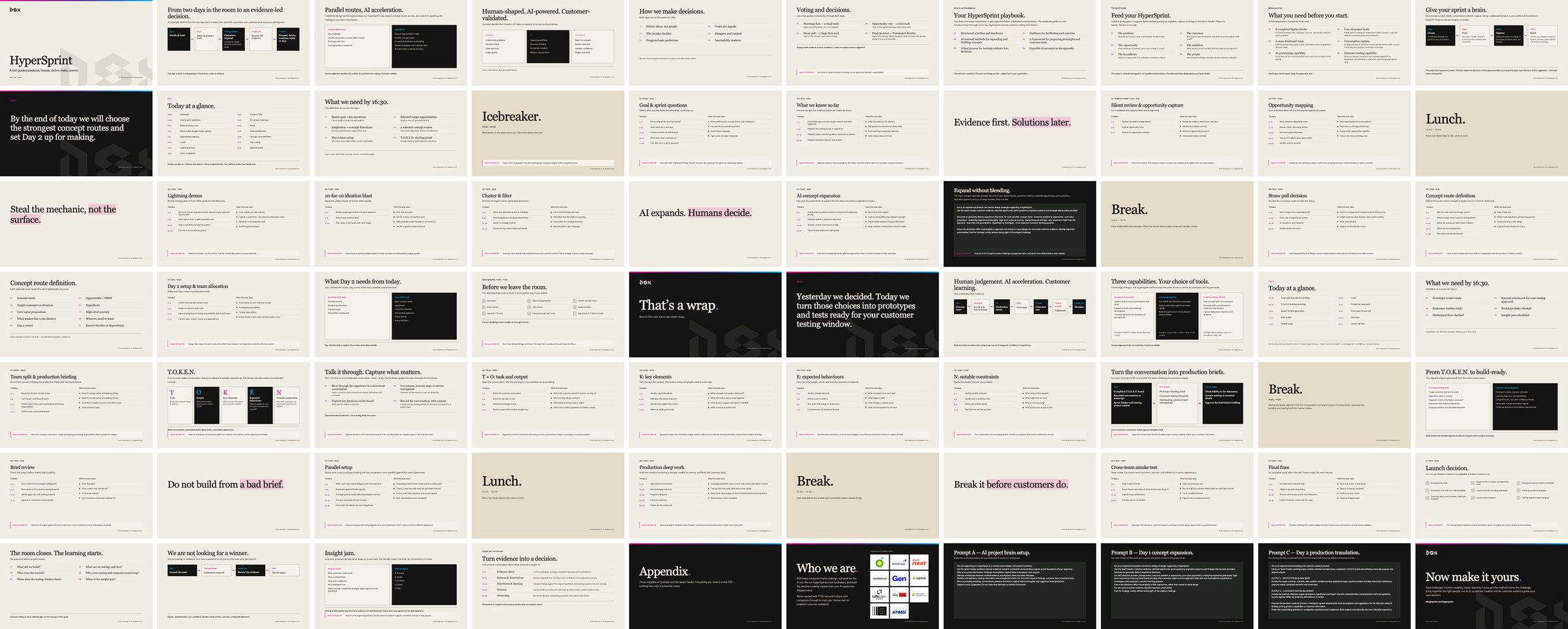
Sixty slides covering the four steps of a HyperSprint (decide, make, test, decide again), with the agendas, exercises, timeboxes and decision rules we use in the room, plus the T.O.K.E.N. brief and the AI prompts we use.
Which formats does it come in?
Keynote, PowerPoint (which also opens in Google Slides) and PDF. All three are fully editable except the PDF.
Is the deck really free?
Yes. Leave your work email and we send you the download link straight away. You will also get Design Sprint Xpress, our monthly email, and can unsubscribe any time.
Can I run a HyperSprint with it myself?
Yes, that is what it is for. If you would rather we run the first one with your team, or train your facilitators, get in touch.